
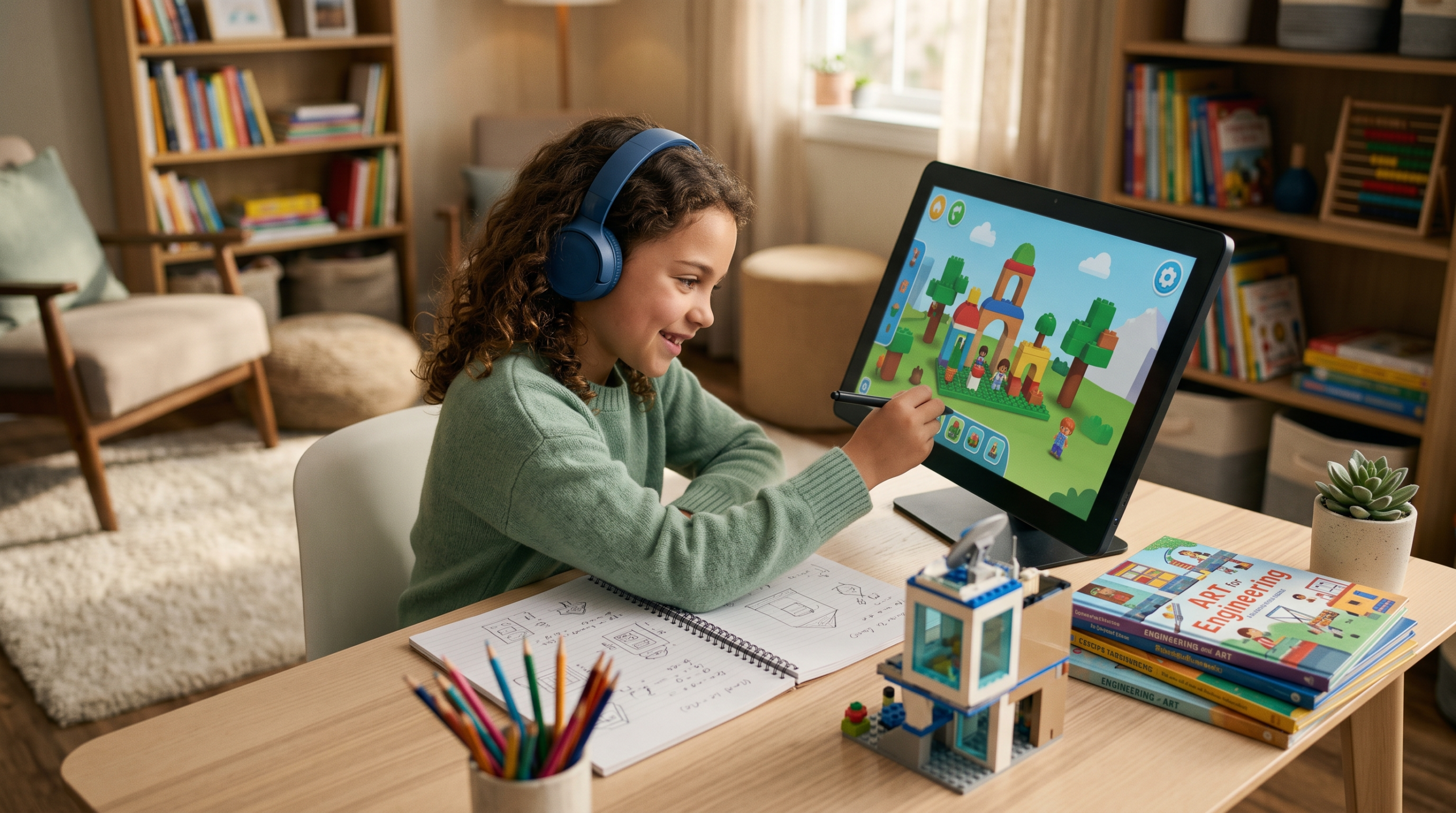
Technology can be a valuable part of homeschooling. Computers, tablets, video games, creative software, digital tools, and AI can give children new ways to explore interests, practice skills, create projects, and connect with information.
Technology doesn’t have to replace books, hands-on activities, outdoor exploration, or conversations. Instead, it can become another resource families use alongside them.
For many children, technology and gaming are already important parts of their lives. Rather than separating those interests from learning, homeschool families can look at what children are actually doing, creating, practicing, and discovering while using technology.
Learning Through Video Games
Video games can involve much more than entertainment. Depending on the game, children may use problem-solving, reading, strategy, creativity, communication, planning, spatial reasoning, resource management, and persistence while they play.
Games with stories and quests may require players to read instructions, follow narratives, interpret information, and make decisions. Strategy games can involve planning and resource management. Building games encourage design and spatial reasoning. Multiplayer games can involve teamwork and communication.
Not every gaming session needs to become a lesson.
Simply paying attention to what your child is doing while playing can reveal skills and interests you might not otherwise notice. Conversations about game play can also provide opportunities for children to explain their reasoning.
Questions such as “How did you figure that out?” or “What are you trying to build?” can tell you much more than turning the game into an assignment.
An interest that begins in a video game can also lead somewhere completely different. A historical setting might spark an interest in history. Building could lead to architecture or engineering. A game’s creatures might inspire drawing or storytelling.
The game can be the starting point rather than the entire learning experience.
LINK: Explore learning through video games →
Creative Digital Worlds and Tools
Digital platforms and creative tools give children opportunities to build, design, experiment, communicate, and create. Roblox, Minecraft, apps, photography, video creation, coding, and digital art can all become part of homeschooling when they fit a child’s interests.
Roblox and Learning
Roblox offers many different kinds of experiences, so the learning involved depends heavily on what a child chooses to play or create.
Playing Roblox can involve reading, strategy, problem-solving, navigation, communication, planning, creativity, role-play, and collaboration. Different experiences may emphasize completely different skills.
Children interested in creating their own Roblox experiences can go further by exploring Roblox Studio, game design, scripting, digital modeling, and other aspects of development.
Parents should also consider privacy, communication settings, account controls, and the content of individual experiences when deciding how Roblox fits into their homeschool.
LINK: Explore Roblox and learning →
Minecraft and Learning
Minecraft’s open-ended environment can provide opportunities for building, experimentation, planning, and creative problem-solving.
Children might explore geometry while designing structures, experiment with resources and systems, recreate historical buildings, work collaboratively on large projects, or simply follow their own ideas.
Minecraft can also provide a starting point for interests outside the game. Building a castle might lead to researching medieval history. Creating an ecosystem could prompt questions about biology. Redstone creations might lead to an interest in circuits, engineering, or automation.
The educational value doesn’t have to come from assigning a Minecraft project. Sometimes the projects children decide to create themselves provide the most interesting opportunities for further exploration.
LINK: Explore Minecraft and learning →
Educational Games and Apps
Educational games and apps can provide additional ways to practice skills, explore subjects, and experiment with new concepts.
Some focus specifically on subjects such as reading, math, science, languages, or coding. Others encourage creativity, logic, problem-solving, music, design, or other skills.
When evaluating an app or educational game, consider what your child will actually be doing while using it. Look beyond the “educational” label and consider whether the activity encourages meaningful practice, exploration, creation, or problem-solving.
LINK: Explore educational games and apps →
Choosing Apps, Games, and Subscriptions
Not every educational subscription or app will be useful for every family.
Before subscribing or purchasing, consider your child’s age, interests, current skills, and how frequently the resource is likely to be used. Free trials and demonstrations can be useful when available.
Also consider advertisements, in-app purchases, subscriptions, privacy practices, communication features, and parental controls.
When evaluating games, apps, and other digital media, Common Sense Media provides age-based reviews and information that can help parents make informed choices for their families.
Using Tablets and Technology for Homeschool
Tablets and computers can provide access to ebooks, educational videos, research tools, online courses, creative programs, virtual experiences, and educational apps.
They can also be used to create rather than simply consume content.
Children might write stories, make presentations, draw digital artwork, compose music, edit photographs, create videos, research an interest, or document a project.
The device itself isn’t what makes an activity educational. What matters is how the child is using it.
LINK: Explore using technology in your homeschool →
Photography and Video Creation
Photography and video creation can combine technology with art, storytelling, observation, planning, and communication.
Children can experiment with composition, lighting, perspective, editing, interviewing, script-writing, and visual storytelling. Projects might include documenting nature, creating a short film, recording an experiment, making a stop-motion animation, or producing a video about an interest.
These activities can remain casual hobbies or develop into larger projects as a child’s skills and interests grow.
LINK: Explore photography and video projects →
Digital Creativity
Technology provides many ways for children to create.
Digital illustration, animation, graphic design, music creation, coding, digital writing, video editing, game design, and 3D modeling are just a few possibilities.
Creative technology can also connect naturally with other interests. A child interested in animals might create digital illustrations. A storyteller might experiment with animation. A builder might explore 3D modeling.
The goal doesn’t have to be mastering professional software. Children can begin with simple tools and develop more advanced skills if their interest continues.
LINK: Explore digital creativity for homeschoolers →
Using Technology Wisely: AI, Digital Citizenship, Online Safety, and Balance
Technology provides useful opportunities, but children also need guidance in learning how to use it responsibly.
Families can establish expectations appropriate for their children’s ages, the technology they’re using, and their individual needs.
AI and Homeschooling
AI tools can help with brainstorming, explanations, research questions, project ideas, writing feedback, planning, and other learning activities.
They also have limitations.
AI-generated information can be incorrect, incomplete, outdated, or misleading. Children should learn that an AI response isn’t automatically a reliable source and that important information should be checked against trustworthy sources.
Parents can also discuss appropriate uses of AI, including the difference between using a tool to support learning and having it complete the learning task for them.
LINK: Explore AI and homeschooling →
Digital Citizenship
Digital citizenship includes learning how to interact responsibly with people and information online.
Children can gradually learn about privacy, respectful communication, digital footprints, sharing information, evaluating online sources, recognizing advertising, and understanding that online actions can have real-world consequences.
These conversations can develop as children gain more independence online.
LINK: Explore digital citizenship for homeschoolers →
Online Safety
Online safety should reflect a child’s age, maturity, activities, and level of independence.
Topics can include protecting personal information, account security, scams, misleading content, inappropriate communication, reporting and blocking tools, and what to do when something online makes them uncomfortable.
Parental controls and privacy settings can provide additional safeguards, but ongoing conversations remain important as children encounter new platforms and experiences.
LINK: Explore online safety for homeschool families →
Finding a Healthy Technology Balance
There isn’t one screen-time rule that will work for every homeschool family.
Instead of looking only at the number of minutes spent on a device, consider what the child is doing and how technology fits into the rest of their day.
A child creating a video, researching an interest, talking with friends, completing a lesson, and watching entertainment may technically be using the same screen, but those activities serve different purposes.
Families can consider whether technology is interfering with sleep, physical activity, responsibilities, relationships, or other important parts of daily life and adjust expectations when necessary.
Children can also become part of these conversations as they grow, helping them learn to recognize their own habits and develop a healthier relationship with technology.
LINK: Explore screen time and technology balance →
Where to Explore Next
Unschooling
Explore how children’s interests—including gaming and technology—can become starting points for deeper learning.
Learning Ideas
Find hands-on activities, projects, Discovery Days, and new subjects for your child to explore beyond the screen.
Curriculum & Resources
Explore curriculum, educational games, books, STEM resources, hands-on materials, and other homeschool tools.
Explore Curriculum & Resources →
Start Homeschooling
Find help choosing an approach, planning your homeschool, establishing routines, and getting started.
Arizona Homeschool
Find information and resources specifically for families homeschooling in Arizona.
For Parents
Find practical support for navigating homeschool routines, challenges, changing approaches, and finding what works for your family.